
WhatsApp & Instagram
Compressed images that look pixelated in print — block artifacts become visible.
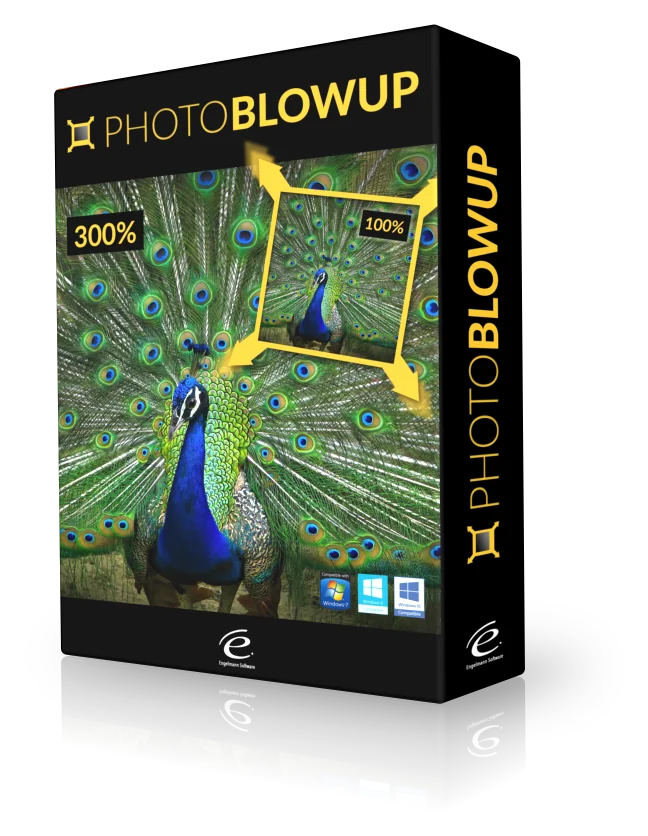
Photo BlowUp reconstructs the details of your images and enlarges them by up to 700% — with three specialized algorithms that pick the right approach for each image source. Clearly superior to the classic bicubic method.
WhatsApp compresses your 4 MB down to 200 KB. The first smartphones took 2 MP photos. Old scans lose detail. Photo BlowUp gets the most out of what's left.
Compressed images that look pixelated in print — block artifacts become visible.
2 MP photos from the first generation — not enough resolution for posters.
Family photos and documents from earlier generations, scanned at low resolution.
JPG images from websites with visible compression artifacts and detail loss.
Photo BlowUp analyzes edges, contrasts and structures of your image and calculates new pixels so transitions are smoother and contours sharper than with standard methods.
Scale images precisely for posters, canvas or XXL advertising — with full control over output size in pixels, inches or centimeters.
ScalingPhoto BlowUp picks the right approach for each image source — from sharp originals to compressed web JPGs.
ModesLines, contours and textures are detected and recalculated — clean transitions without staircase or block artifacts.
EngineScale entire folders in a single pass — perfect for photo series, product images or archive digitization.
WorkflowWorks with Adobe Photoshop, Photoshop Elements, Paintshop Pro, Corel Photo Paint and Corel Draw — straight inside the program you already use.
IntegrationPick only the part of the image you want to enlarge — perfect for detail crops and zoom-ins.
EditingJPG, PNG, BMP, TIFF plus professional RAW formats: NEF, CR2, DNG, RAF, X3F, ARW and more.
FormatsPhoto BlowUp scales both ways — enlarges for XXL prints and reduces file size for web or email.
Both waysPhoto BlowUp doesn't use one algorithm for everything — it offers specialized methods depending on the source and character of the image.
For sharp, detailed originals without noise or blur. Delivers the best output quality at extreme enlargement factors.
Specifically for images from websites with visible compression artifacts. Reduces block artifacts directly during upscaling.
Advanced edge reconstruction for images with fine details, mixed textures and medium source quality.
Clear interface, no learning curve. The most important tools right where they belong. Before-and-after preview built right in.

No onboarding, no hidden menus. Load image, pick size, choose algorithm, export.
JPG, PNG, BMP, TIFF or RAW — just load the original photo.
Choose factor or enter target dimensions in pixels, inches or cm.
Photo BlowUp suggests the right mode for your image source.
Save high-resolution file for print or web — done.
Photo BlowUp helps wherever a small original needs to become something big — privately or professionally.
Turn your favorite photo into wall art — even XXL format.
More resolution from old shots or small sensor crops.
Product images in print quality — even from low-resolution material.
Large-format advertising and print projects with sparse source files.
Old photos and documents that exist as small digital files.
Make personal photos print-ready — family portraits, wedding moments, memories.
Photo BlowUp runs on older hardware too. The essentials at a glance.
Photo BlowUp is developed by Engelmann Software GmbH — an established German image software company since 1998 with longstanding experience in the consumer and pro market.
No subscription, no hidden costs. Try Photo BlowUp for 24 hours with full feature set — no signup required.
Full feature set · no signup
One-time payment · lifetime use · no subscription
Everything you should know before buying — answered concisely.